
Made2Manage™ Compatible Solutions
Latest Updates
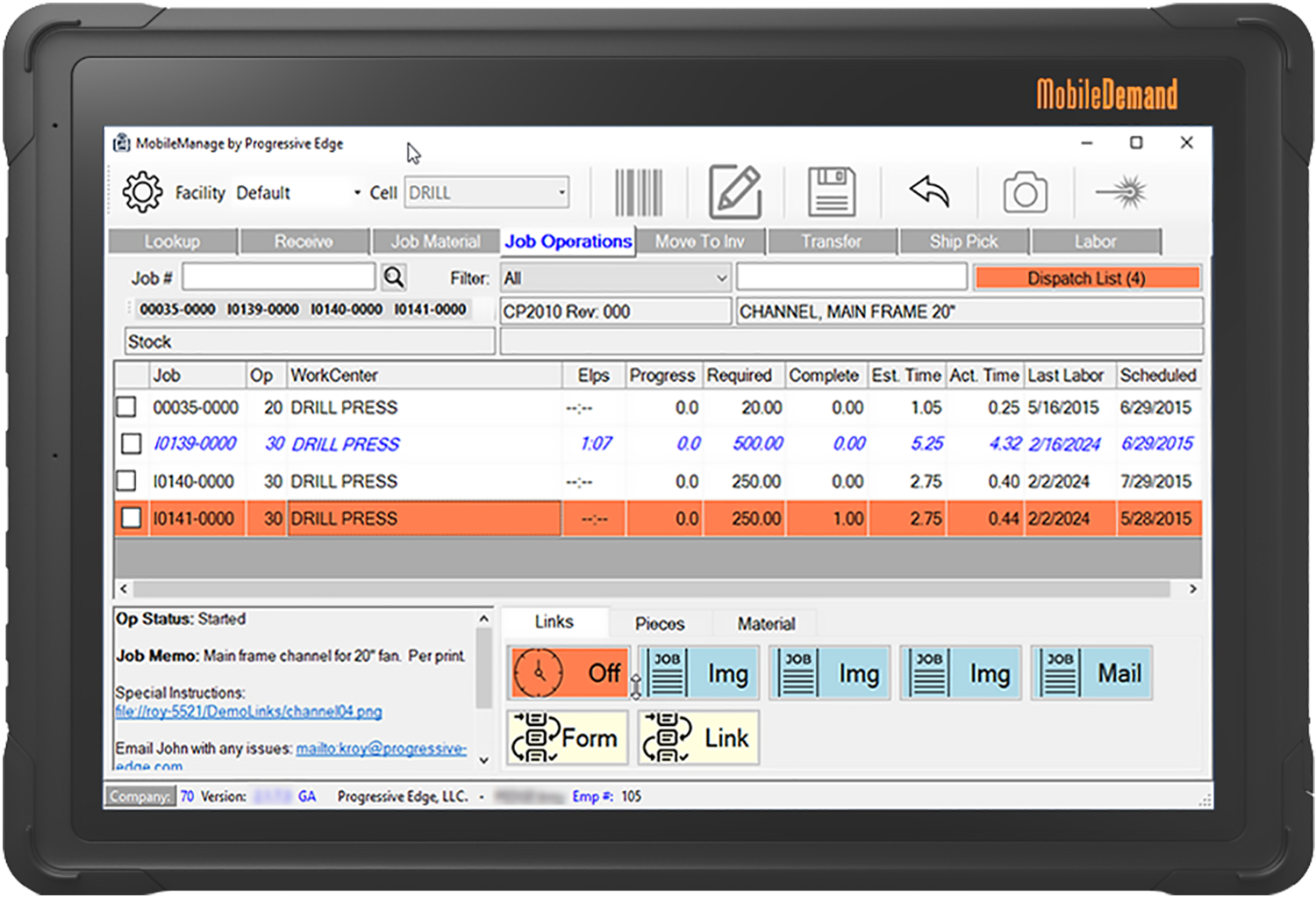
MobileManage™
Give your shop floor and warehouse personnel access to Made2Manage™ data wherever and whenever they need it for more efficient data collection and effective inventory management.
BOM Manager™
Advanced tools for managing bills of material, item masters and routings. Child to Parent Where-Used and BOM Compares help you to sift through data quickly.
Avalara Connector
Easily integrate your Avalara sales tax information with you Made2Manage™ ERP system. Our unique interface minimizes maintenance and gets you going fast.
Updates
Productivity Feature: Clock-On\Auto-Off
In our continuing effort to improve the user experience in MobileManage™, we have just added a feature we are calling "Clock-On\Auto Off". This is a customer...
Who's Using MobileManage™
MobileManage from Progressive Edge is a game changer for Mac Products
MAC Products implements MobileManage in a few weeks and immediately gains inventory improvements and improved worker productivity. Utilizing a tablet-based user interface, MobileManage delivers shop floor information where and when it is needed.

Zest Dental Solutions achieves off the chart productivity results using MobileManage™
MobileManage™ was able to transform Zest’s logistics personnel into productivity powerhouses, increasing operator morale while reducing processing errors.

Anderson Dahlen integrates Aptean ERP with Automated Storage and Retrieval System
MobileManage™ from Progressive Edge seamlessly joins the Made2Manage™ ERP and the Kardex-Remstar™ ASRS to accelerate productivity and eliminate errors.

Aptean Made2Manage™ User leverages MobileManage™ to realize productivity gains
Custom Fabricating and Repair, a 20 year user of Made2Manage™, continues to gain unprecedented productivity using the MobileManage™ software from Progressive Edge. Their shop floor staff has the latest production information at their finger tips.
Get started with Progressive Edge productivity apps
About Progressive Edge
Progressive Edge has been in business serving the Made2Manage™ community since 1999 with Made2Manage™ compatible applications that improve efficiency and inventory accuracy. Our solutions do not consume Made2Manage™ licenses, they are compatible with multiple versions of the ERP software and they do not require you to be on an Aptean support agreement.
Made2Manage™ is a trademark owned exclusively by Aptean, Inc. and its affiliated companies. Progressive Edge is not affiliated with or sponsored by Aptean, Inc., and is not an authorized retailer of, or service provider for, the Made2Manage™ product.